
Top Vector File Formats Every Designer Should Know
Table Of Content
- 1. PNG - Portable Network Graphics
- 2. JPG / JPEG-Joint Photographic Experts Group
- 3. SVG-Scalable Vector Graphics
- 4. PDF-Portable Document Format
- 5. AI - Adobe Illustrator File
- 6. PSD - Photoshop Document
- 7. EPS Encapsulated PostScript
- 8. MP4 - MPEG-4 Video File
- 9. GIF - Graphics Interchange Format
- 10. INDD - InDesign Document
- 11. WMF / EMF - Windows Metafile Formats
- 12. DXF - Drawing Exchange Format
- 13. CDR - CorelDRAW File
- 14. TIFF - TIFF / TIF
- Ready to Use the Right File Formats to Grow Your Business?
- Summary
People think almost all design files work the same way. They save a file, send it to a client or printer and expect perfect results but problems start from this stage because designs look pixilated, color problems or the file doesn't open. Wrong file formats usually cause this issue.
Right vector file formats control how designs scale, print, animate, and display on different platforms. Many designers use only one or two formats & ignore the rest of the formats but sometimes this mistake leads to rework, delays, and poor quality output. Understanding the top vector file formats helps prevent these issues and keeps designs sharp and professional. So here are the top vector file formats every designer should know. PNG files are seen everywhere online. Designers use them for web graphics, icons and logos with transparent backgrounds. PNG files support high quality images, which makes them useful for overlays and digital layouts. These files don't work as vector files because they lose quality when resized. Best uses for PNG files: - Website graphics. - Social media images. - Logos with transparent backgrounds. PNG works best for screen use but fails in large printing or resizing. JPG / JPEG files compress images to decrease file size. This compression makes them easy to share & quick to load online. Designers use JPG files mainly for photos. JPG / JPEG files lose quality when someone saves them again. These files don't support transparency and lose sharpness when resized. Best uses for JPG files: - Photography. - Web images. - Email graphics. JPG files don't suit logos or printing projects that need clean edges. SVG files work as true vector formats. They scale to any size without losing quality. Web designers rely on SVG files because browsers support them well. SVG files store designs using paths, shapes, and text. This structure keeps files lightweight and sharp on all screen sizes. Best uses for SVG files: - Website icons. - Logos for web. - UI and app graphics. SVG files work best for digital use and not good for complex print workflows. PDF files store both vector & raster data. Designers and printers use PDF files because they display consistently across devices. PDF files preserve fonts, layouts, and colors. Many print shops request PDF files to reduce production errors. Best uses for PDF files: - Print-ready artwork. - Client proofs. - Documents with mixed content. PDF files provide a safe and reliable format for sharing finished designs. AI files serve as the native format for Adobe Illustrator. These files store complete vector data, layers, effects, and editable text. Designers use AI files as their main working format. AI files give complete control over every design element. Best uses for AI files: - Logo design. - Brand assets. - Editable vector artwork. AI files open in Adobe Illustrator. PSD files come from Adobe Photoshop. It supports masks, layers & effects. Designers use PSD files during editing and layout stages. PSD files don’t has well as final vector delivery formats. Best uses for PSD files: - Photo editing. - Mockups. - Design drafts. PSD files function as working files, not final vector formats. EPS files are vector based and widely used in print. They store vector shapes in a format that many machines and software programs support. Printers usually prefer EPS files. These files scale cleanly and preserve paths accurately. Best uses for EPS files: - Logo printing. - Large format printing. EPS files are a solid choice for production work. MP4 files don't work as vector design files but they play a role in modern design workflows. Motion designers export animations in MP4 format. Some vector based animations convert into MP4 files for marketing and social media. Best uses for MP4 files: - Animated logos. - Social media videos. - Website animations. MP4 files are for display purposes, not editing. GIF files support short looping animations. Designers use GIF files for small animations and visual effects. Best uses for GIF files: - Short animations. - Web visuals. - Email graphics. GIF files work best for quick and lightweight motion content. INDD files come from Adobe InDesign. Designers use them for layout heavy projects like magazines and brochures. INDD files have vector elements, images, and text. These files stay editable only in InDesign. Best uses for INDD files: - Print layouts. - Catalogs. - Brochures. INDD files control layout, not final vector output. WMF stands for Windows Metafile Format. Microsoft introduced it in the 1990s as a native Windows vector format. EMF, or Enhanced Metafile Format, improved WMF and added bitmap support. These formats store data in a metafile structure instead of traditional code. Many platforms still open these files today. Best uses for WMF / EMF files: Legacy Windows graphics. These formats are rarely seen in modern design work but designers benefit from recognizing them. DXF files come from AutoCAD & other CAD software. These files store vector designs with precise measurements. DXF files are important for the manufacturing, printing, and laser cutting industries. Best uses for DXF files: - CNC cutting. - Laser engraving. - Technical drawings. DXF files prioritize accuracy over visual styling. CDR files serve as the native format for CorelDRAW. Many sign makers and print shops use CorelDRAW daily. CDR files store vector paths, colors, and layers. Best uses for CDR files: - Sign design. - Vinyl cutting. - Print production. CDR files open and edit in CorelDRAW software. TIFF files store high quality raster images. These files don’t work as vector formats but they appear often in professional printing workflows. TIFF files preserve image quality without heavy compression. Best uses for TIFF files: - High-resolution printing. - Archival images. - Professional photography. TIFF files support vector formats but don’t replace them. Use the right vector file format saves time, reduces errors, and getting perfect results. Many people lose trust when they send the wrong file type to printers. DigitizingUSA helps businesses choose and deliver the right vector file formats for every purpose. Whether a design needs printing or digital use, the files get clean, accurate, and ready to use. Vector file formats shape how designs perform in reality. PNG and JPG serve screen use but fail in production. SVG, AI, EPS, PDF & DXF handle scaling, printing and technical use without quality loss. Every format has a different purpose but choose the right one makes a real difference. DigitizingUSA delivers vector designs in the exact file format each project needs. From logos to production-ready artwork, the files get optimized, cleaned, and ready for use. We provide vector tracing services at the most affordable prices. Then no matter you want to trace simple designs or complicated ones, we have got you covered. When quality, consistency, and growth matter, the right vector format always comes first1. PNG - Portable Network Graphics
.webp)
2. JPG / JPEG-Joint Photographic Experts Group
.webp)
3. SVG-Scalable Vector Graphics
.webp)
4. PDF-Portable Document Format
.webp)
5. AI - Adobe Illustrator File
.webp)
6. PSD - Photoshop Document
.webp)
7. EPS Encapsulated PostScript
.webp)
8. MP4 - MPEG-4 Video File
.webp)
9. GIF - Graphics Interchange Format
.webp)
10. INDD - InDesign Document
.webp)
11. WMF / EMF - Windows Metafile Formats
.webp)
12. DXF - Drawing Exchange Format
.webp)
13. CDR - CorelDRAW File
.webp)
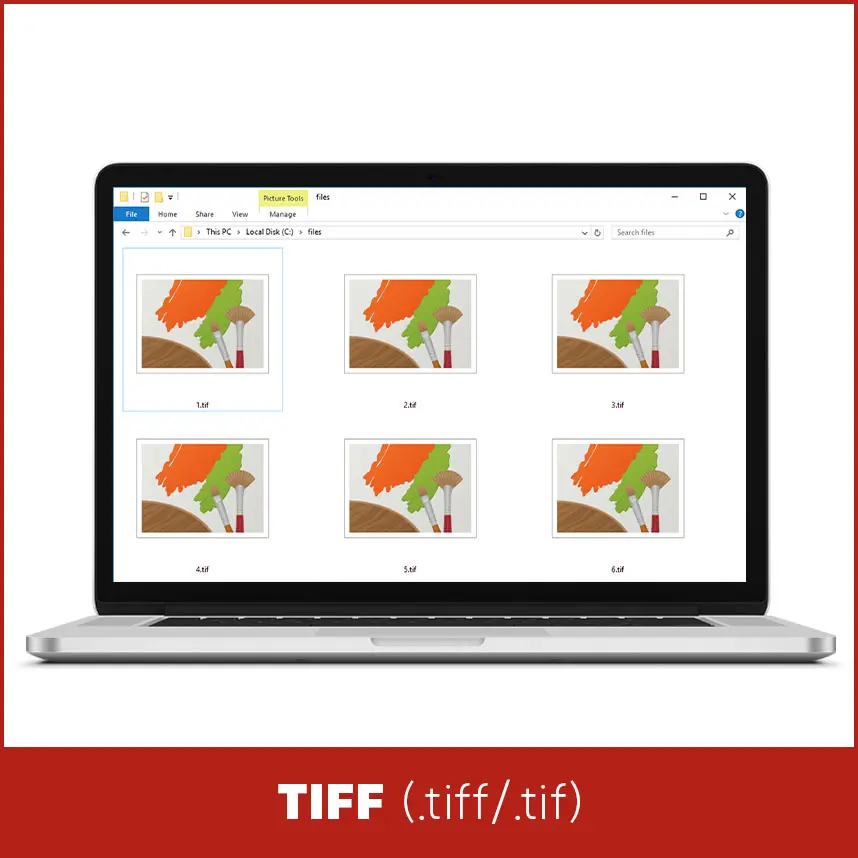
14. TIFF - TIFF / TIF
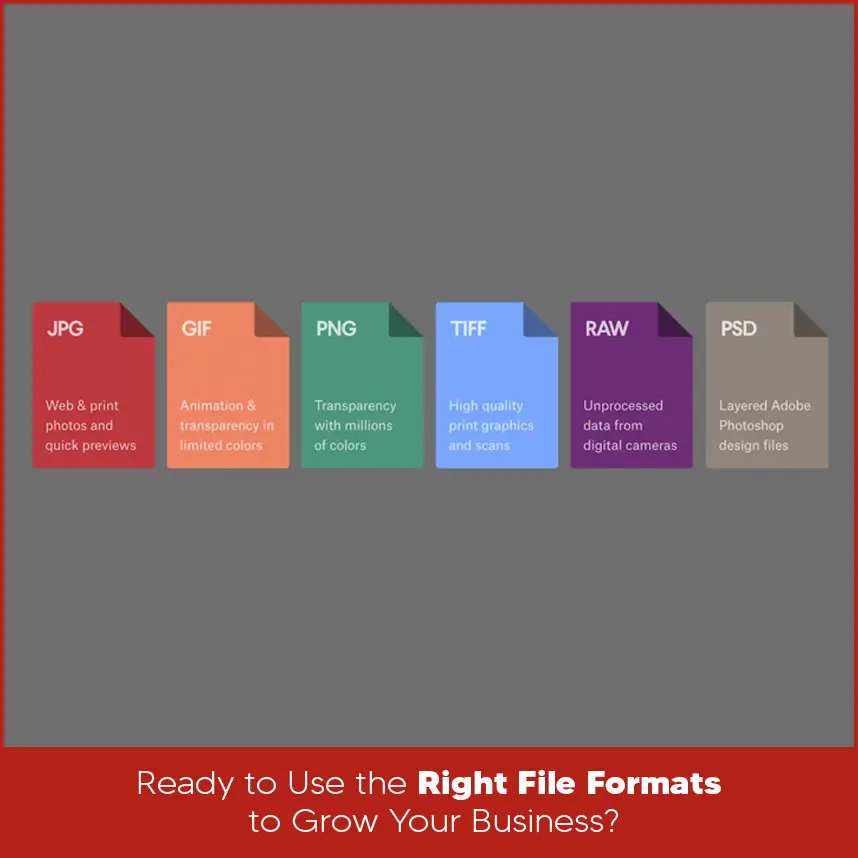
Ready to Use the Right File Formats to Grow Your Business?
Summary