
AI Vector Tracing Tools vs Traditional Software | Full Comparison
Table Of Content
- How AI Vector Tracing Tools Work?
- The Rise of AI Vector Tracing Tools
- What is Traditional Vector Tracing Software?
- Key Differences Between AI Vector Tracing Tools and Traditional Software
- Accuracy Comparison: AI Tracing Tools vs Traditional Vector Tracing Software
- Speed and Workflow Efficiency
- Design Control and Editing Flexibility
- Output Quality for Printing
- Learning Curve and Ease of Use
- Best Use Cases for AI Vector Tracing Tools
- Best Use Cases for Traditional Vector Tracing Software
- Which Option is Better for Logo Vectorization? AI or Traditional
- When to Choose AI Tools Over Traditional Software?
- Summary
Turning images into clean vector files sounds simple but anyone who has worked with logos, prints, or sending files knows the struggle. Low quality photos, rough edges, broken lines and too many colors can quickly turn a small task into hours of fixing.
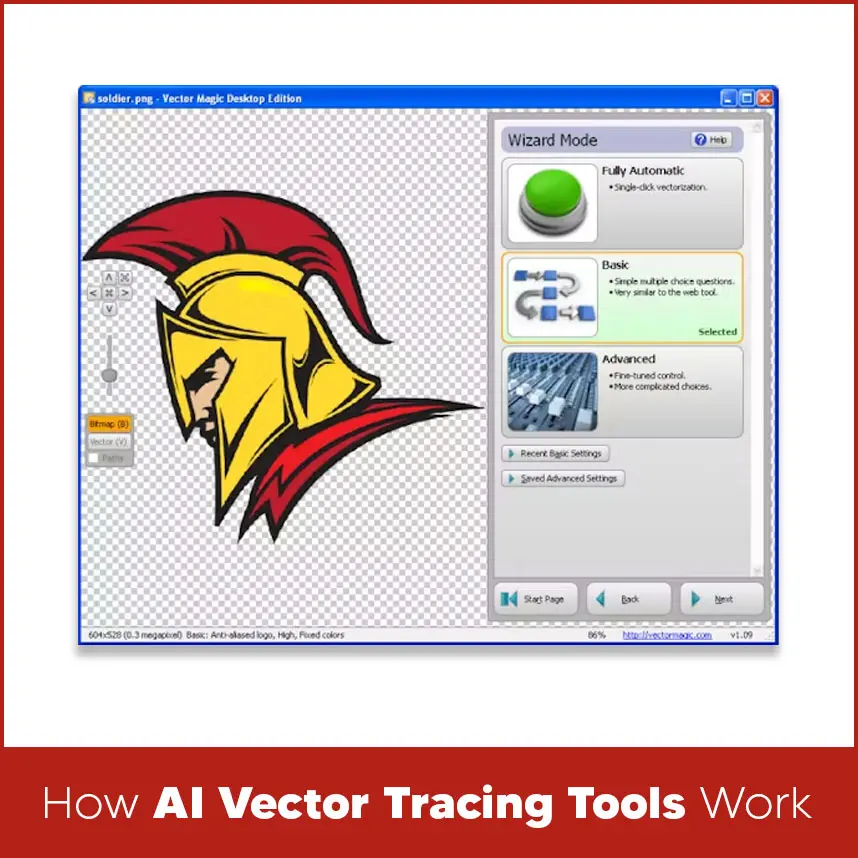
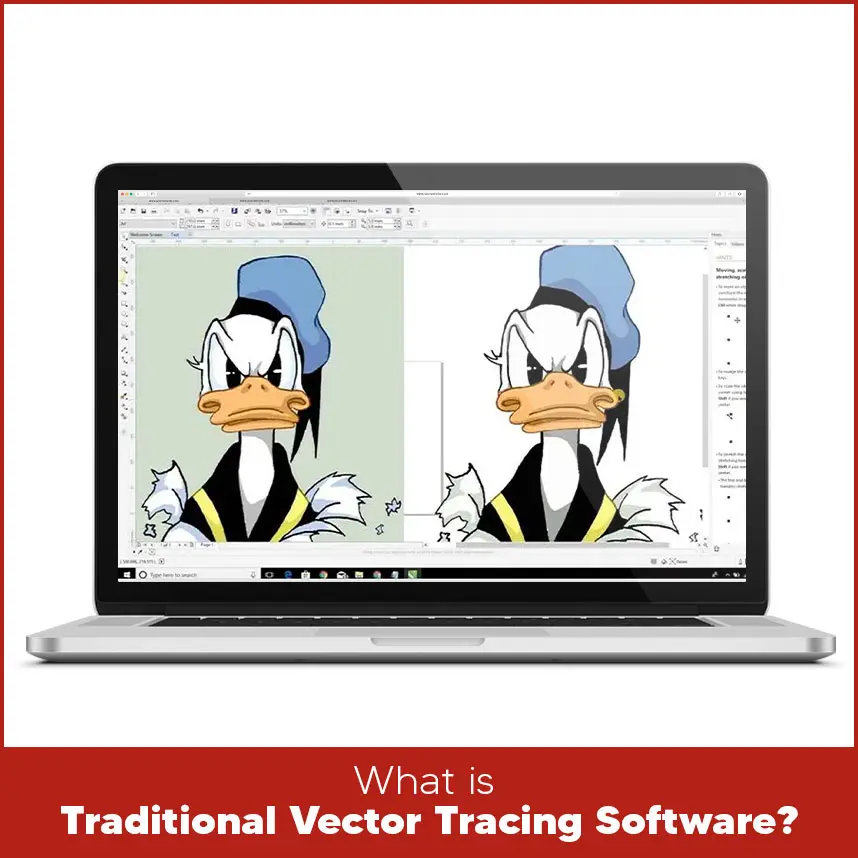
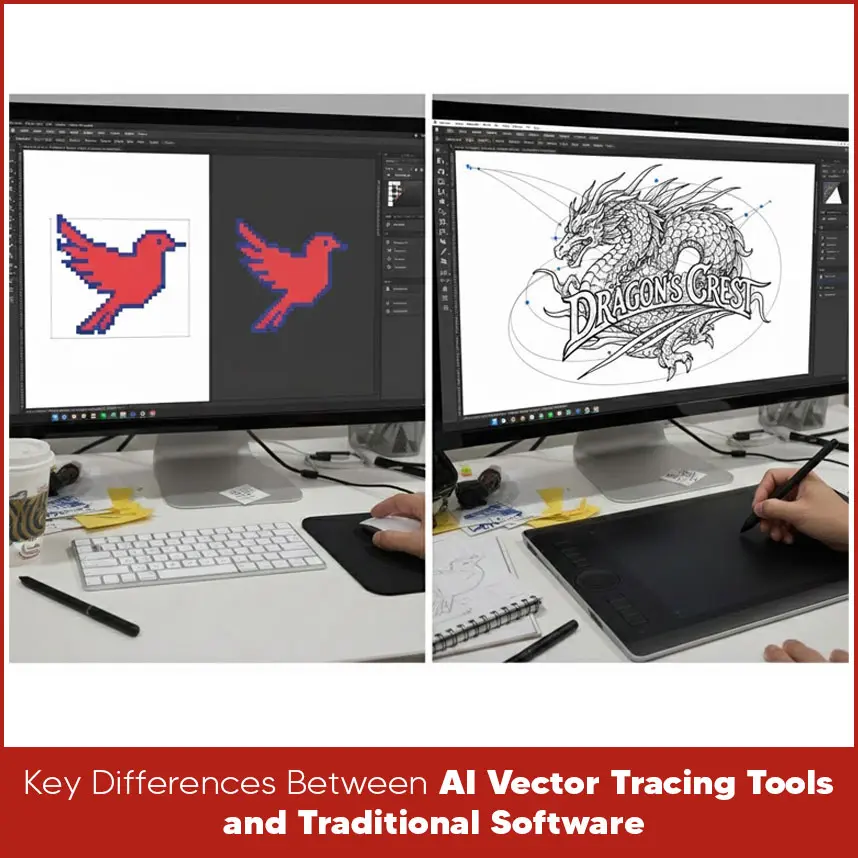
Today, many people are confused about one question: Should you trust AI vector tracing tools or is traditional vector software still the better choice? Well, AI tools give you ease but not quality. Traditional software programs give you control and quality. This complete comparison will help you understand how both work, where they work best, where they fail and which option makes sense for your needs. By the end of this blog post, you will get a clear answer instead of confused opinions. AI vector tracing tools use automated systems to scan a raster image, such as JPG or PNG and convert it into vector images. These tools recognize colors, shapes and edges, then create lines and curves without manual drawing. Most AI tools work in three steps. First, the image is uploaded. Then the system detects edges and color areas, and after that it creates vector paths that can be downloaded as SVG, EPS or PDF files. Everything happens within seconds. This automation makes AI tools attractive, especially for people who want fast results and don't want to spend time learning design software. Note: AI tools make mistakes and sometimes they don't give you desirable results. AI vector tools became popular because of speed and convenience. Many online platforms now offer instant image-to-vector conversion without software installation. This is helpful for quick tasks, basic designs, and simple graphics. But not recommended. Beginners and people working on tight deadlines usually use AI tools because they reduce manual effort. As long as the image is clean and simple, the result can look acceptable. But these AI tools are not used at a professional level. However, speed doesn’t always mean accuracy, especially when the design becomes complex. Traditional vector tracing software needs manual tracing. Software programs like Adobe Illustrator and CorelDRAW allow designers to trace images or adjust auto-trace results with perfection. Instead of relying on AI tools, traditional software lets users control anchor points, curves, line thickness, layers and colors. This approach takes some time but creates clean, editable and professional vector files. This method has been the standard for logo design, printing and large-scale work. The main difference is auto vs control. AI tools focus on speed and ease. Traditional software focuses on accuracy and flexibility. AI works well for simple images. Traditional software handles complex logos, text, and fine details much better. Another difference is editing. AI tools often generate vectors that look fine at first but are difficult to adjust. Also, AI tools can’t provide the exact vector file you want. Traditional software allows full editing without breaking the design. AI tools can't give you sharp corners, thin lines and desired text. They often create extra nodes, uneven curves, or merged shapes. These issues may not be visible at first but appear during printing or scaling. Traditional software produces cleaner paths because the designer controls each curve and point. This results in smoother lines, balanced shapes, and accurate proportions. Perfection matters the most, especially for professional work, traditional vector tracing software programs (Adobe Illustrator, CorelDRAW and more) are always best. AI vector tools are fast. A file can be converted in seconds. This is useful for quick previews or rough drafts. Traditional software takes longer because it involves manual adjustments. However, once the workflow is understood, experienced users work efficiently while maintaining quality. For long-term projects, traditional software saves time by avoiding rework caused by poor tracing. AI tools offer limited control. Once the vector is created, editing options are often basic. Fine adjustments can be difficult or impossible. Traditional software gives full freedom. Colors, shapes, spacing, and curves can be edited without limits. This control is essential for branding, logo consistency, and professional output. This is one area where traditional software clearly stands stronger. AI-generated vectors may look fine on screen but can cause problems in printing. Extra points, uneven paths, and overlapping shapes can affect print clarity. Traditional vector files are clean and print-ready. Printers prefer these files because they scale perfectly and maintain sharp edges. For commercial printing, packaging, and branding, traditional software creates safer results. AI tools are easy to use. No design skills are needed. Upload, click and download. Traditional software has a learning curve. It takes time to understand tools and techniques. However, this learning pays off with better quality and full creative control. People serious about design usually prefer learning traditional software for long-term benefits. AI vector tracing tools work best when: The image is simple and clean. Speed is more important than perfection. The design is for temporary or basic use. No heavy editing is required. They are helpful for quick mockups and simple graphics. Traditional vector software is best when: Working with logos and branding. Preparing files for printing. Handling complex shapes and text. Long-term use and future edits are needed. This method delivers professional and consistent results. For logos, traditional software is the best option. Logos require precision, balance, and clean paths. AI tools miss some details or distort shapes. A logo is a long-term asset. It should be created with accuracy and flexibility in mind. Traditional vector tracing ensures the logo works across all platforms and sizes. AI tools can be a good choice if: You need a quick result. The design is simple. The file is not for professional production. Time is very limited. As long as expectations are realistic, AI tools can be useful. AI vector tracing tools vs traditional software is not about which one is modern or popular. It is about choosing the right vector tracing tool for the project. AI tools give speed and convenience. Traditional software offers control, accuracy, and professional quality. If your work involves logos, printing, or branding, traditional vector tracing remains the smarter choice. Clean vectors save time, reduce errors, and produce better results. If you need quality vector conversion work done by experts, Digitizing USA offers professional vector tracing/ raster to vector conversion services tailored for printing and branding needs. Our team ensures clean paths, accurate shapes and production-ready files.How AI Vector Tracing Tools Work?
The Rise of AI Vector Tracing Tools
What is Traditional Vector Tracing Software?
Key Differences Between AI Vector Tracing Tools and Traditional Software
Accuracy Comparison: AI Tracing Tools vs Traditional Vector Tracing Software
Speed and Workflow Efficiency
Design Control and Editing Flexibility
Output Quality for Printing
Learning Curve and Ease of Use
Best Use Cases for AI Vector Tracing Tools
Best Use Cases for Traditional Vector Tracing Software
Which Option is Better for Logo Vectorization? AI or Traditional
When to Choose AI Tools Over Traditional Software?
Summary
Contact Digitizing USA today to get reliable vector services that meet professional standards and deliver results you can trust.