Vector Tracing vs Raster Images | Which File Format is Best for Printing?
Table Of Content
- Which File Format is Best for Printing?
- Print Quality Differences Between Vector Tracing and Raster Images
- Vector Tracing
- Raster Images
- Scalability and Resolution Impact on Print Results
- Common Printing Problems Caused by Using the Wrong File Format
- Why People Prefer Vector Files for Printing?
- Vector Tracing vs Raster Images Comparison
- Vector Tracing vs Raster Images: Which One Should You Choose?
- Summary
You sent a design for printing but the final output didn't look as clean as it did on your screen. You notice blurry edges, uneven lines or colors that look slightly off. In most cases, the printer or material doesn't cause these issues. The file format causes them.
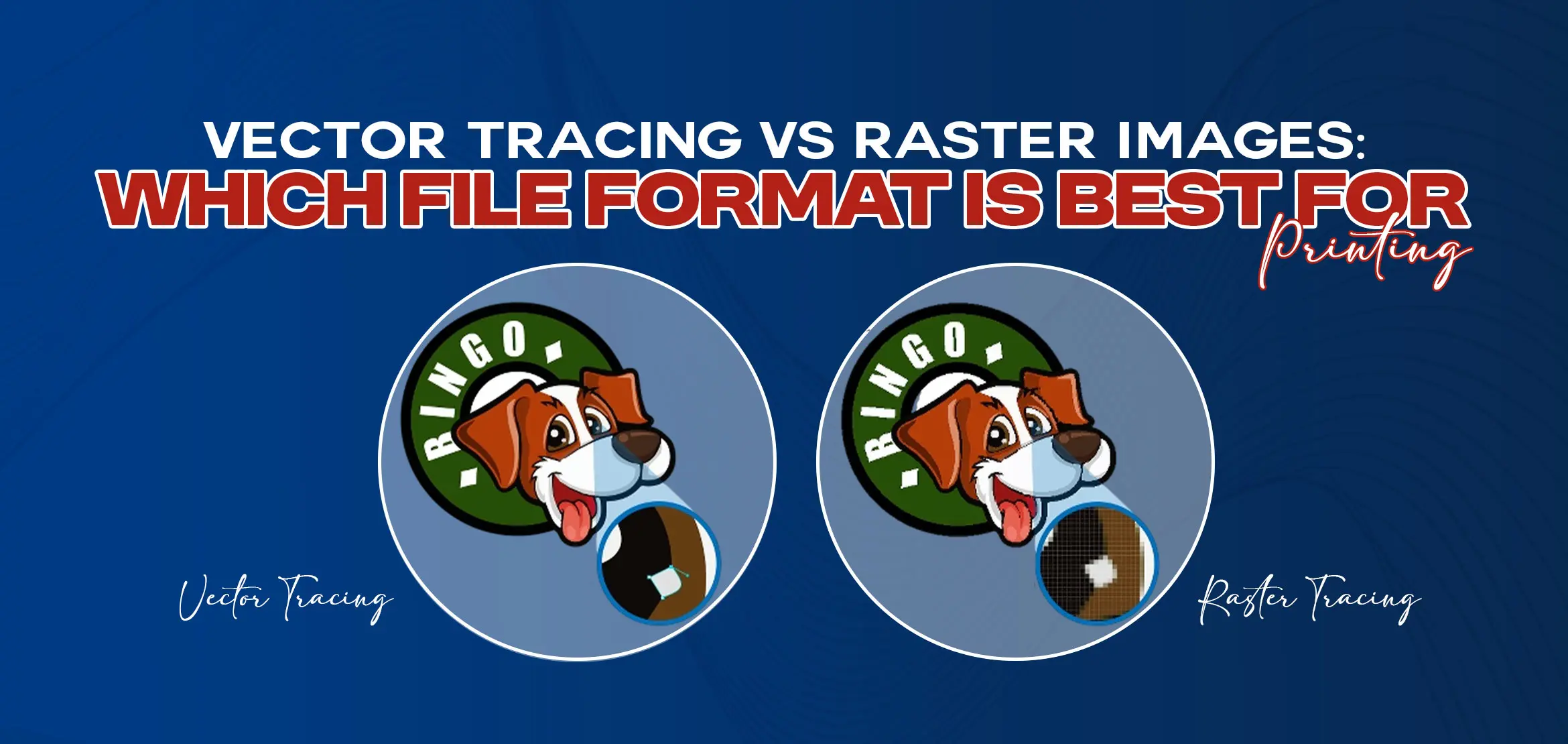
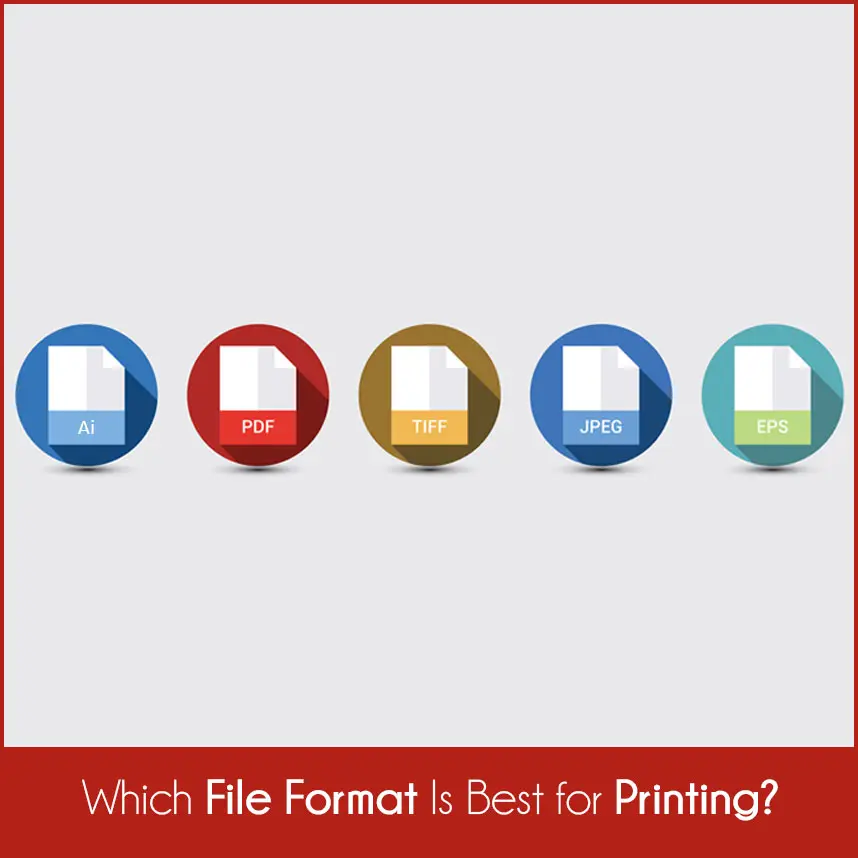
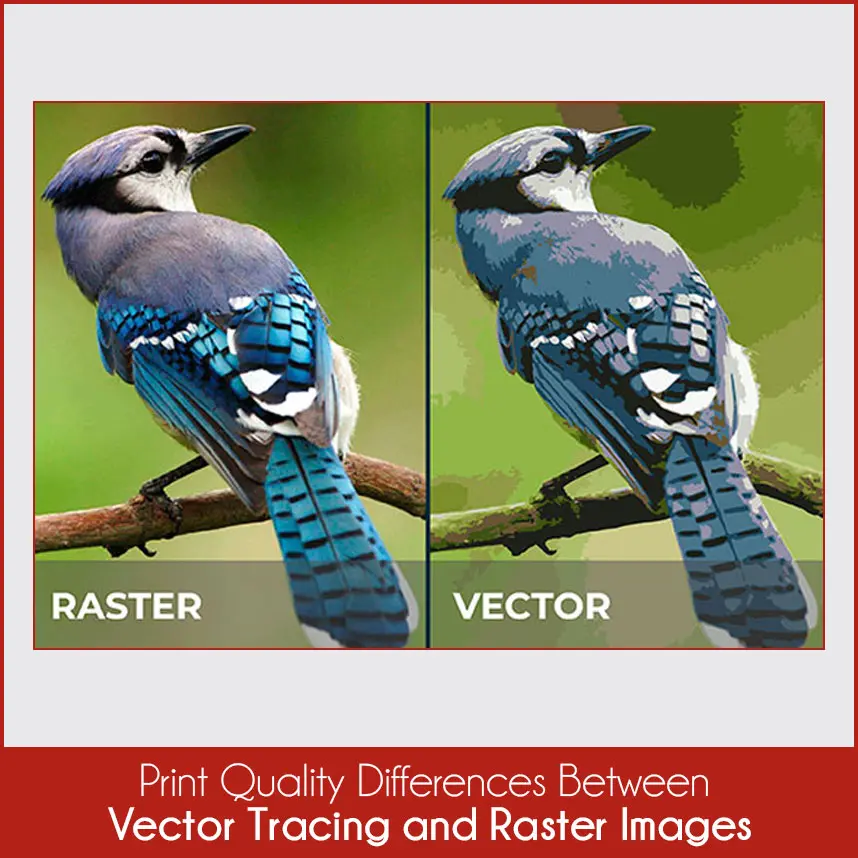
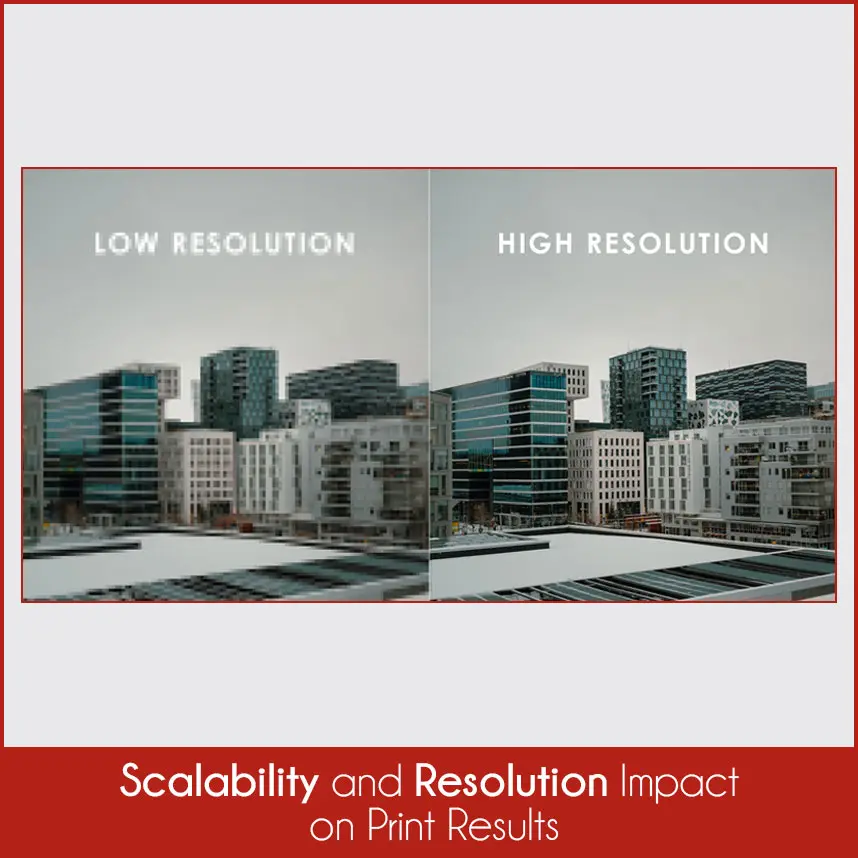
When we talk about printing, the debate around vector tracing & raster images matters more than many people think. Both formats have a purpose but choosing the wrong one wastes time, double costs and lowers print quality. This guide explains everything so next time you will confidently choose the right format for your printing needs. Why File Format Matters in Printing? Printing follows very different rules from screens. A design may look fine on a laptop or phone but fail badly once it reaches a printer. Screens ignore small flaws. They smooth edges, hide minor issues, and display colors using light. Printers work with ink, pressure, and physical materials, so they reveal every weakness in a file. The file format determines how your design behaves during printing. It controls several important factors, including: How sharp the final print looks Some file formats handle clean edges better than others. When a format struggles with fine lines, the print looks soft or uneven, especially around text and logos. How the design reacts when resized Many designs require printing in multiple sizes. A small mistake at this stage can turn a clear logo into a blurry image. The file format decides whether resizing stays clean or damages the design. How colors appear on different materials Paper, fabric, vinyl and plastic absorb ink in different different ways. The right file format helps maintain color stability, while the wrong format gives you dull or uneven results. How easily printers can work with the file Printers prefer files that open correctly, process smoothly, and require little correction. When the format doesn’t suit printing, printers take extra time fixing issues, which can delay production or increase costs. When the file format doesn't match printing requirements, printers have very limited options to fix the problem. Even a well designed artwork loses its impact because the format doesn't support proper printing. The best file format depends on how you plan to print the design, how large the print will be and how often the artwork may need changes but the recommended file format for printing is vector files. Raster images still work but in rare cases, because they are blurry or pixelated. To understand this better, let’s look at how both formats perform in real printing conditions. Print quality usually becomes the first thing people notice when they receive a finished design. At this stage, the difference between vector tracing and raster images becomes very clear. Designers create vector files using paths, curves, and shapes instead of pixels. Because of this structure: - Edges remain clean and well defined, even under close inspection. - Lines stay smooth, whether the design prints small or large. - Text and logos keep their shape without breaking or blurring. Vector tracing works very well for designs that must look professional every time. Logos, brand marks, labels, and text-heavy designs benefit the most because they rely on sharp edges and clear shapes. Raster images are based on tiny dots called pixels. Each pixel holds color information and together these pixels form the image. Because of this structure: - Print quality depends heavily on resolution. -When the resolution drops, the print looks rough. - Edges can appear jagged or soft when enlarged. - This often happens when people save logos as images instead of vectors. - Fine details may break apart at larger print sizes. Raster images can still create good prints when the resolution remains high and the image prints at the exact size it was created for. Problems usually appear once resizing becomes necessary. Scalability creates one of the biggest differences between these two formats and plays a major role in printing. Vector files can scale freely You can print a vector design on a small sticker and a large banner without losing quality. The shapes adjust smoothly because math defines them, not pixels. Raster images remain limited by their original size Once you enlarge a raster image beyond its original resolution, clarity drops. Pixels stretch, edges break and the image looks blurry. When a raster image prints larger than intended, pixelation becomes visible. You can’t reverse this damage. Increasing resolution later doesn’t restore lost detail. Vector tracing completely avoids this issue, which explains why printers trust it for flexible and scalable designs. Many printing problems start before the printer even begins working. The wrong file format usually causes them. Some common issues include: - Blurry or uneven edges, especially around text and logos. - Pixelated designs when printed at larger sizes. - Loss of detail on fabric, textured paper, or vinyl. - Unexpected color changes caused by file limitations. - Production delays when files require fixing or conversion. These problems often appear when people use raster images where vector files are expected. Printers can sometimes correct minor issues, but major problems usually force them to recreate the file. 99% professionals prefer vector files because these files make the printing process smoother and sharper when you enlarge. Some key reasons include: - Easy resizing without quality loss, which saves time. - Cleaner output across different materials, including fabric and signage. - Better compatibility with printing software and machines. - Faster processing with fewer setup errors. Common vector formats like AI, EPS, PDF & SVG give printers greater control over artwork. These formats allow adjustments without damaging the design, which reduces risk and improves final results. This table clearly shows that vector tracing provides better print consistency, while raster images work best for detailed photos printed at fixed sizes. Your final choice depends on how you plan to use the design. Choose vector tracing if: - The design includes logos, text, or symbols. - The artwork may need resizing in the future. - Clean edges and sharp output matter. - The print must meet professional standards. Choose raster images if: - The design contains photographs or detailed artwork. - The print size remains fixed. - The resolution supports the final print size. - The artwork doesn’t require scaling or editing. As long as the file format matches the printing purpose, both options can work well. Problems appear only when people use the wrong format for the wrong design. When comparing vector tracing vs raster images, the correct choice always depends on how you plan to use the design. Vector files deliver flexibility, sharpness, and reliability, especially for logos and commercial printing. Raster images still serve a purpose, but they require careful control over resolution and size. If you want print-ready vector files that meet professional standards, don't forget to contact Digitizing USA. Our vector tracing/raster to vector services deliver clean, accurate, and printer-friendly artwork. Whether you need logo conversion or print optimization, our team prepares your designs for printing without losing quality.Which File Format is Best for Printing?
Print Quality Differences Between Vector Tracing and Raster Images
Vector Tracing
Raster Images
Scalability and Resolution Impact on Print Results
Common Printing Problems Caused by Using the Wrong File Format
Why People Prefer Vector Files for Printing?
Vector Tracing vs Raster Images Comparison
Vector Tracing vs Raster Images: Which One Should You Choose?
Summary
Get your artwork professionally vectorized with Digitizing USA and avoid printing mistakes before they happen.